Setting ad-hoc message parameters
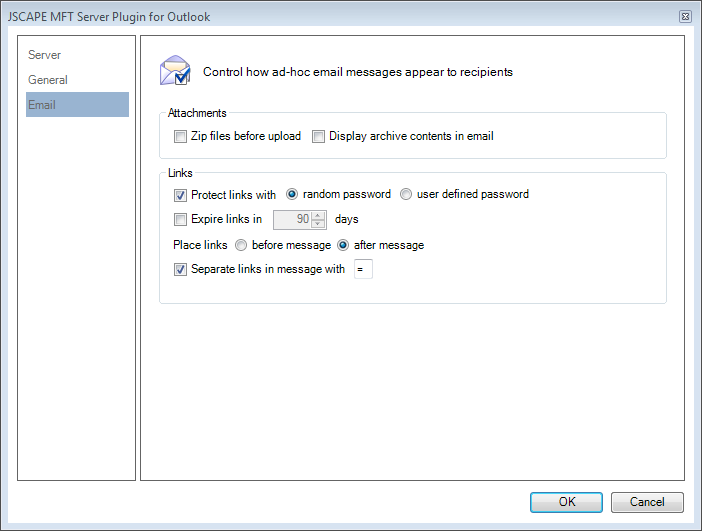
The Email node controls how ad-hoc messages are created and displayed to the recipient.
Attachments
Zip files before upload : Selecting this option will zip all attachments into one file before uploading to the server.
Display archive contents in email : If this option is selected, a listing of the files in the zip package will be displayed in the email.
Links
Protect links with: Define whether and how links will be password protected.
Expires links in: Define the time period (days) in which the link will expire.
Place links : Defines whether links are located before or after email message.
Separate links in message with: Add a separator line consisting of specified character between the generated message from JSCAPE MFT Server and any email entered by you.