Starting a domain
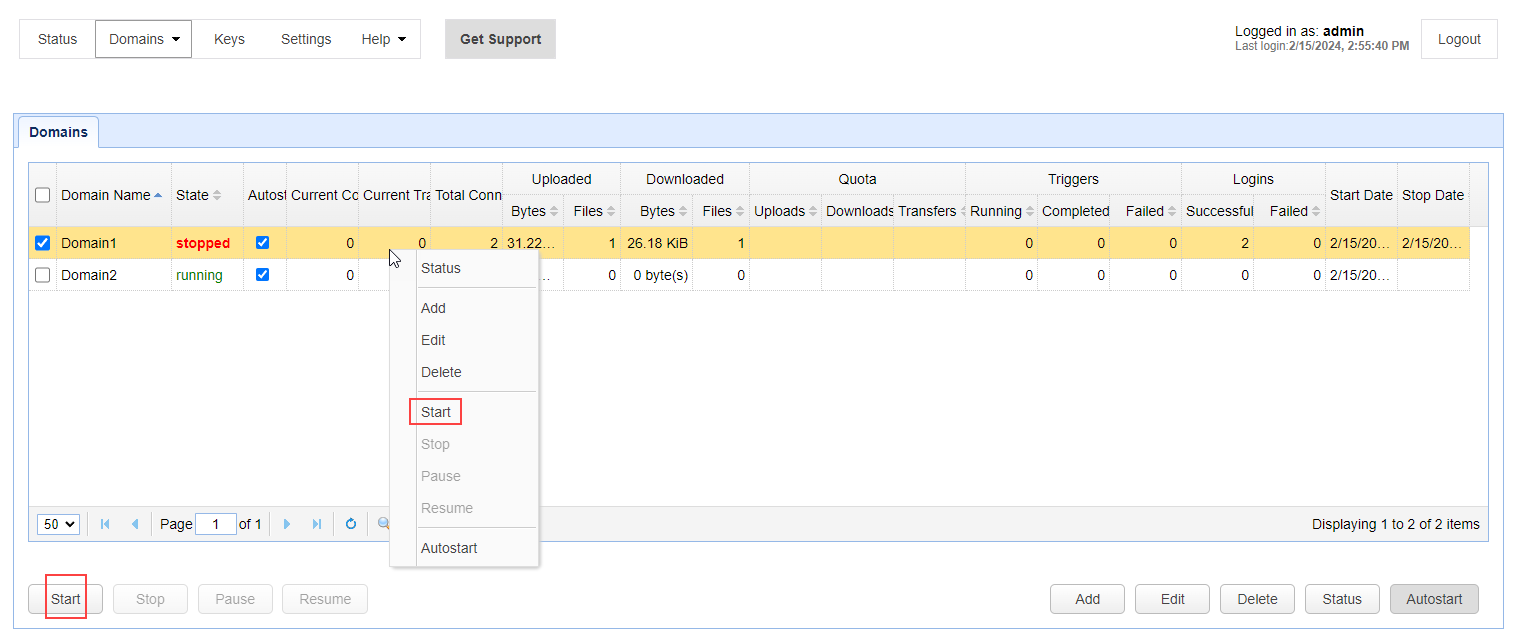
You can start a domain by accessing it in the Domains grid. Navigate to Domains > View domains, which will pull up the Domains grid, depicted in the image below. From there, select the domain you wish to start. Click the Start button located in the lower left of your screen, or right-click and select Start from the pop-up menu. This will start the domain. The Start button is also available when editing a domain that is stopped (you will see it at the bottom of the page).